
Private beta
Free for roofing contractors during our private betaNo Xactimate license neededNothing stored — everPenny-checked line items in about 30 secondsCarrier scope in → spreadsheet, branded estimate, material list
Request access →
How it works

Scope in, clean files out — in three steps.

Upload a carrier scope, review the lines we extracted (and fix anything flagged), then download exactly the files you need.
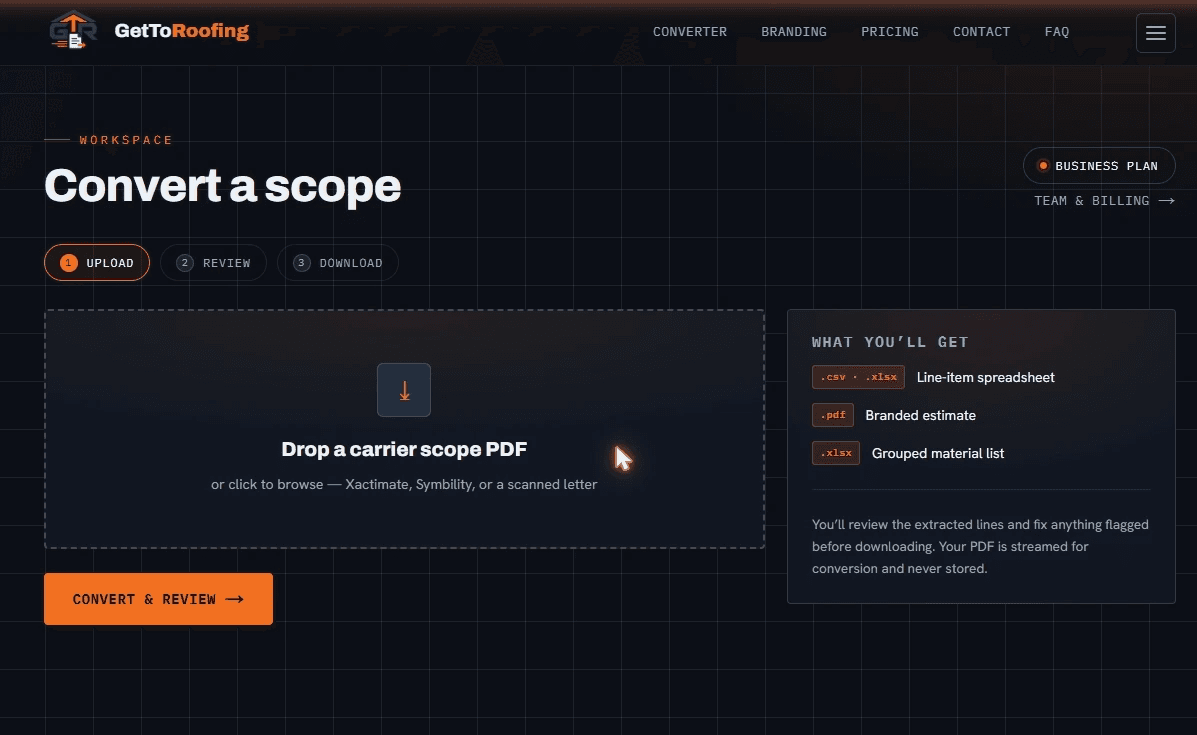
The GetToRoofing converter workspace — drop a carrier scope PDF to start
Step 01Upload

Drop your carrier scope

Drag in a carrier Xactimate scope PDF (Erie Symbility too). It's streamed for conversion and never stored.

Upload step: drag-and-drop dropzone for a carrier scope PDF
Step 02Review

Check the math — fix anything flagged

Every line is verified and reconciled against the document total. Flagged or uncertain lines are highlighted; edit any cell, add or remove lines, and watch the flags clear live.
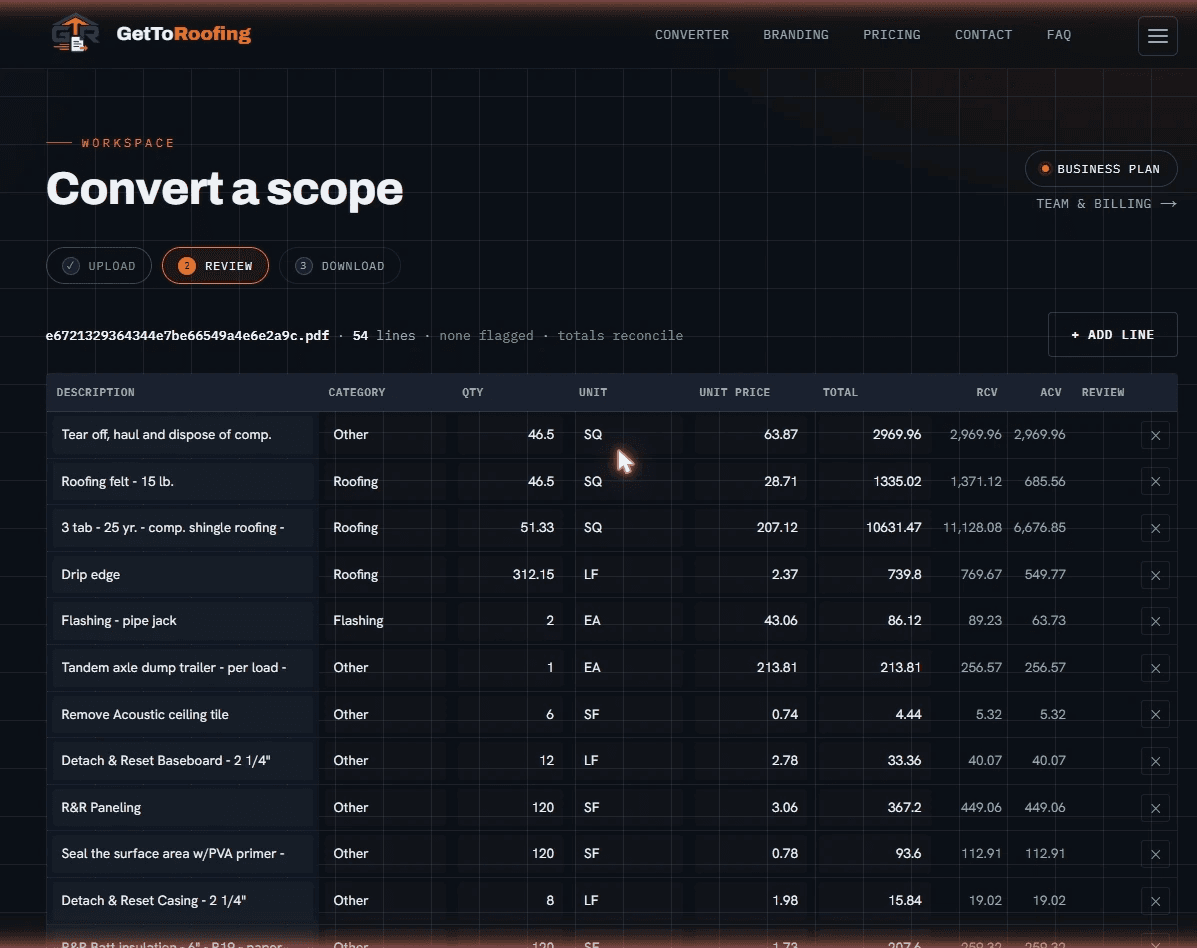
Review step: an editable line-item grid with quantity, unit price, total, RCV and ACV columns
Step 03Download

Grab exactly the files you want

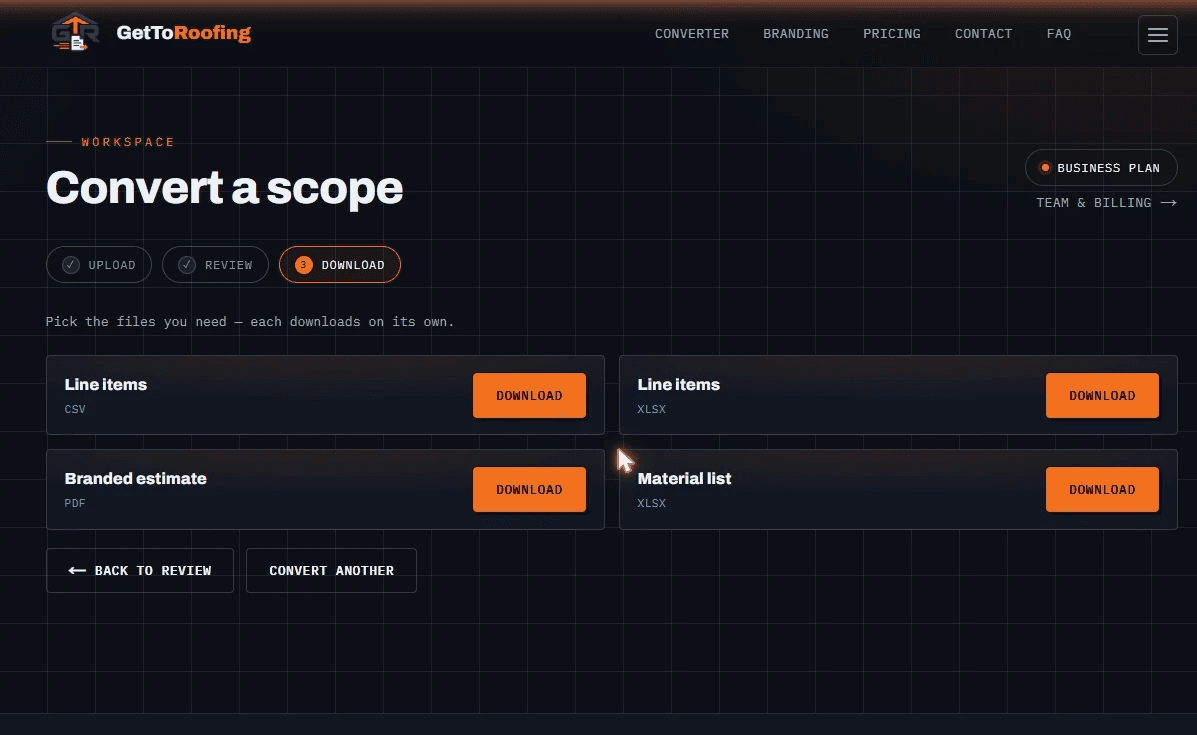
Download each output on its own — line-item spreadsheet (CSV + XLSX), branded estimate PDF carrying your logo, brand colors, and company info, or a grouped material list (XLSX).

Validated on State Farm, Germania, and AIG scopes.
See all supported carriers →

Download step: separate download buttons for CSV, XLSX, branded PDF, and material list
Beyond the basics

Your brand, your crew

Your brand

Your estimate, your brand

Set your logo, brand colors, and company details once on the Branding tab — every estimate PDF you download goes out under your own name, not ours. Your address, phone, and license number are embedded automatically, and a live preview shows exactly how it'll look.
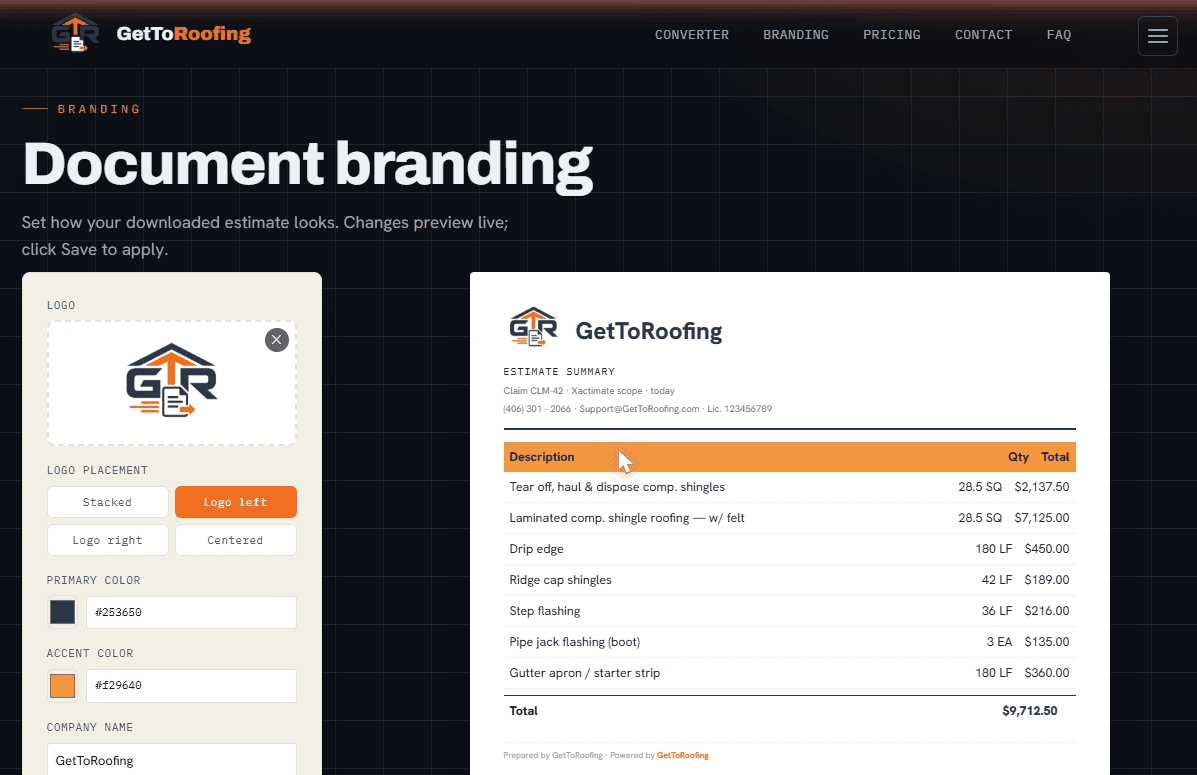
Branding tab: logo, brand colors, and company details with a live estimate preview
Your crew

Built for your whole crew

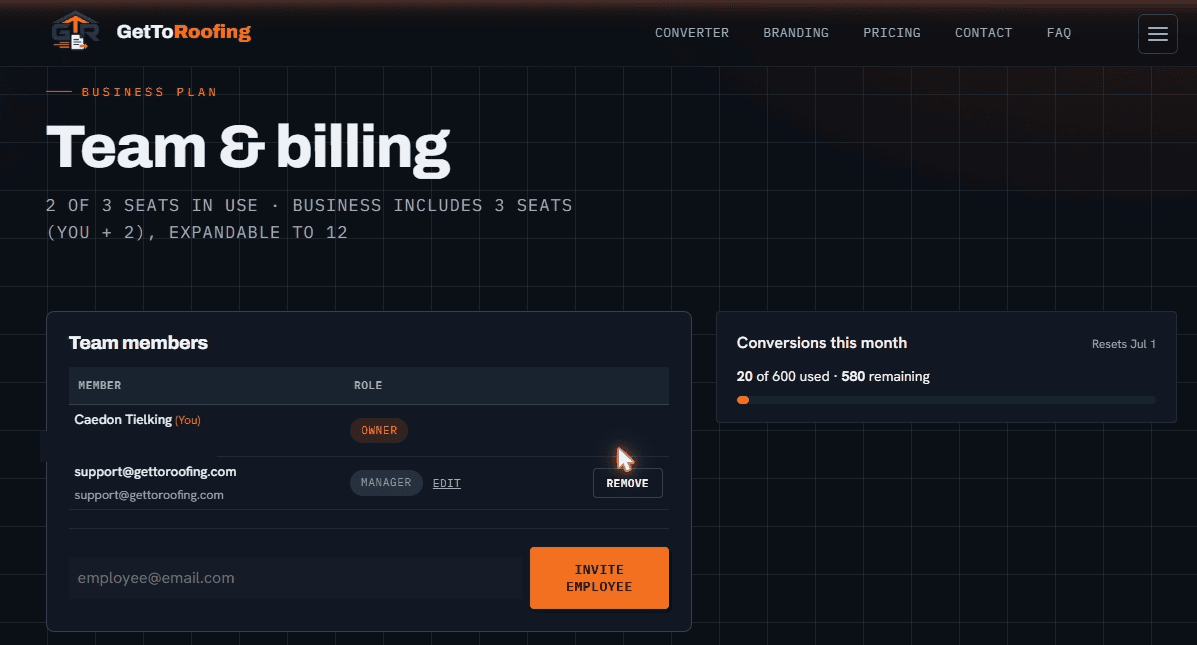
Add your team under one account, hand out seats, and keep everyone converting from the same plan. A live usage meter shows conversions used and remaining, so you're never surprised at month-end.
Request beta access →

Team and billing screen: team members, seats, and a monthly conversion usage meter
Help

Tips & troubleshooting

What documents work?
Carrier Xactimate scope PDFs (validated on State Farm, Germania, and AIG) and Erie Symbility scopes. Other carrier formats may not be supported yet — if we can’t read yours, you’ll get a heads-up and a quick way to send it to us.
What do the flags mean?
Every line is math-checked (quantity × unit price vs the line total) and the line totals are reconciled against the document’s grand total. Anything that doesn’t add up — or that the converter is unsure about — is highlighted so you can fix it before downloading.
What if a document can’t be auto-read?
If our converter can’t read a document yet, you’ll get a clear message and a way to email us — we read it back and tell you whether we can support it. We’ll never charge you by surprise.
Do you store my files?
No. Documents are processed in memory and never saved. Your edits live in your browser until you download.
Can I put my company logo and colors on the estimate?
Yes — on the Branding tab you upload your logo, choose your brand colors, and add your company info (address, phone, license). Every estimate you download is branded with them.
What file formats do I get?
A line-item spreadsheet as CSV and XLSX, a branded estimate PDF, and a grouped material list as XLSX — each downloads on its own.
How long does a conversion take?
Usually about 30 seconds per scope.
Can I edit the extracted lines?
Yes — every cell is editable. Add or remove lines and the totals and flags update live before you download.
Which carriers does it work with?
It reads carrier Xactimate scopes (and Erie Symbility), validated on State Farm, Germania, and AIG today. Other carrier formats may not be supported yet — you’ll be told if yours can’t be read.

Request beta access →